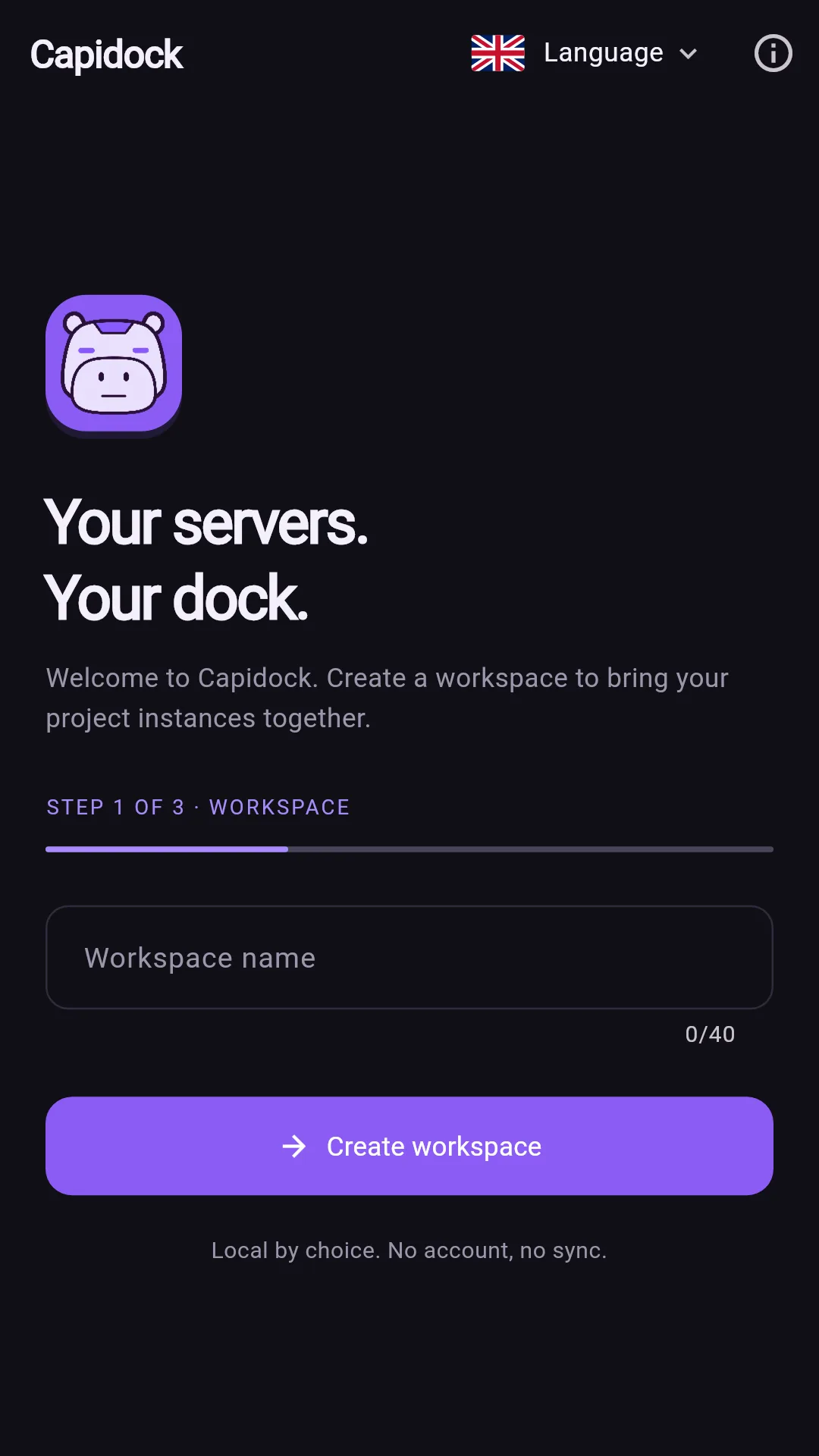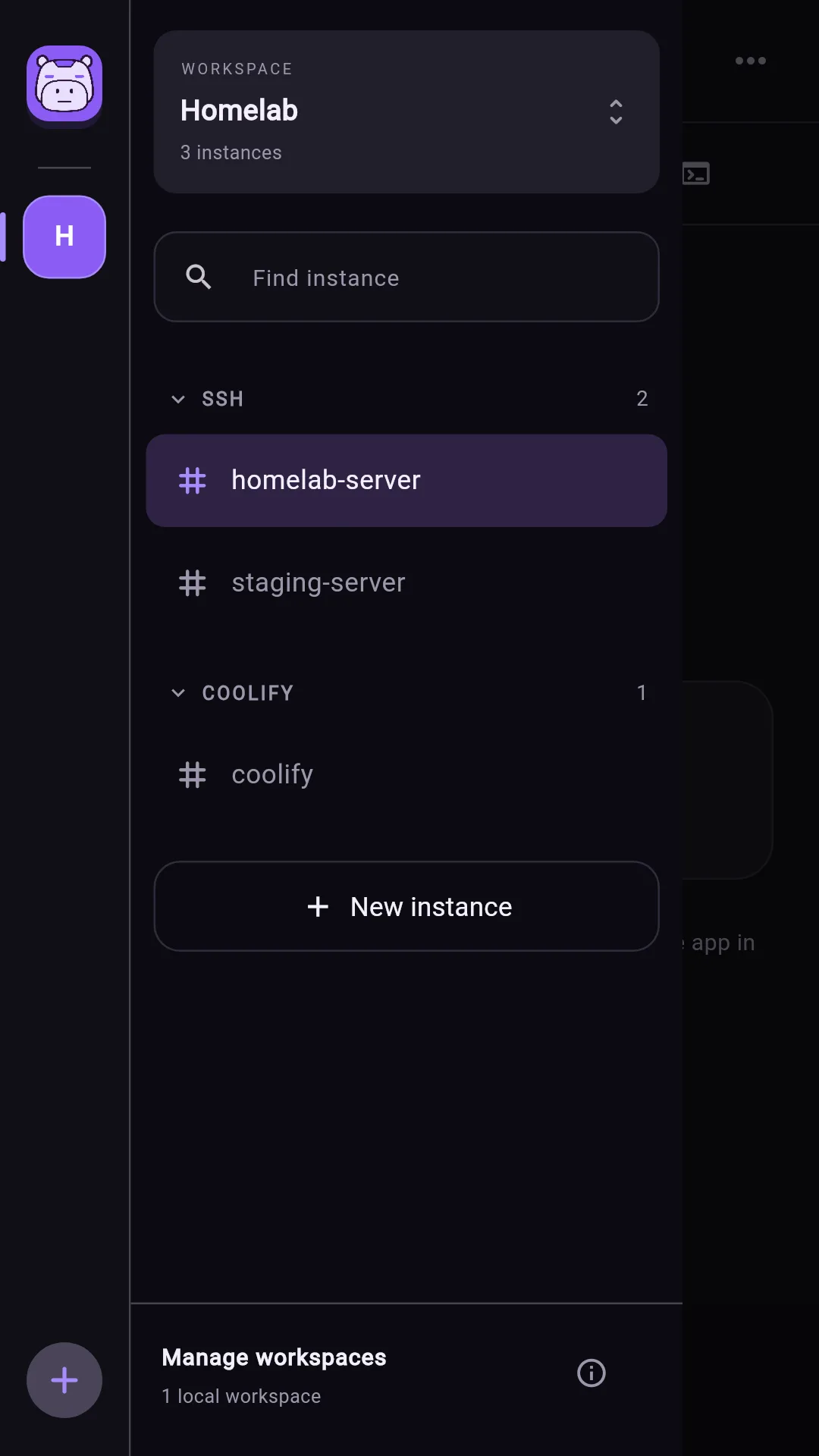
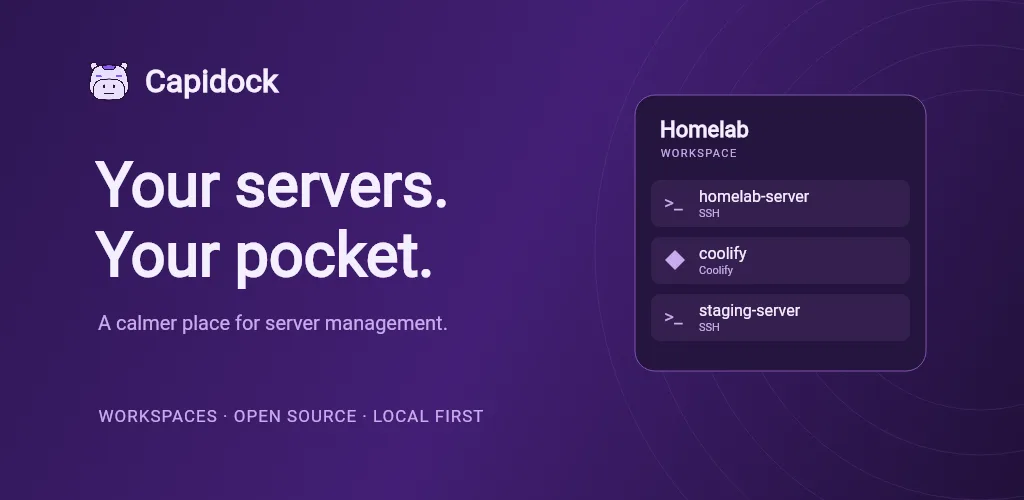
Capidock brings your SSH servers and Coolify instances into one mobile app. Separate your homelab, personal servers and project environments into workspaces, then switch between instances like channels. Your connections stay organised even when you are away from your desk.
An SSH terminal built for a small screen
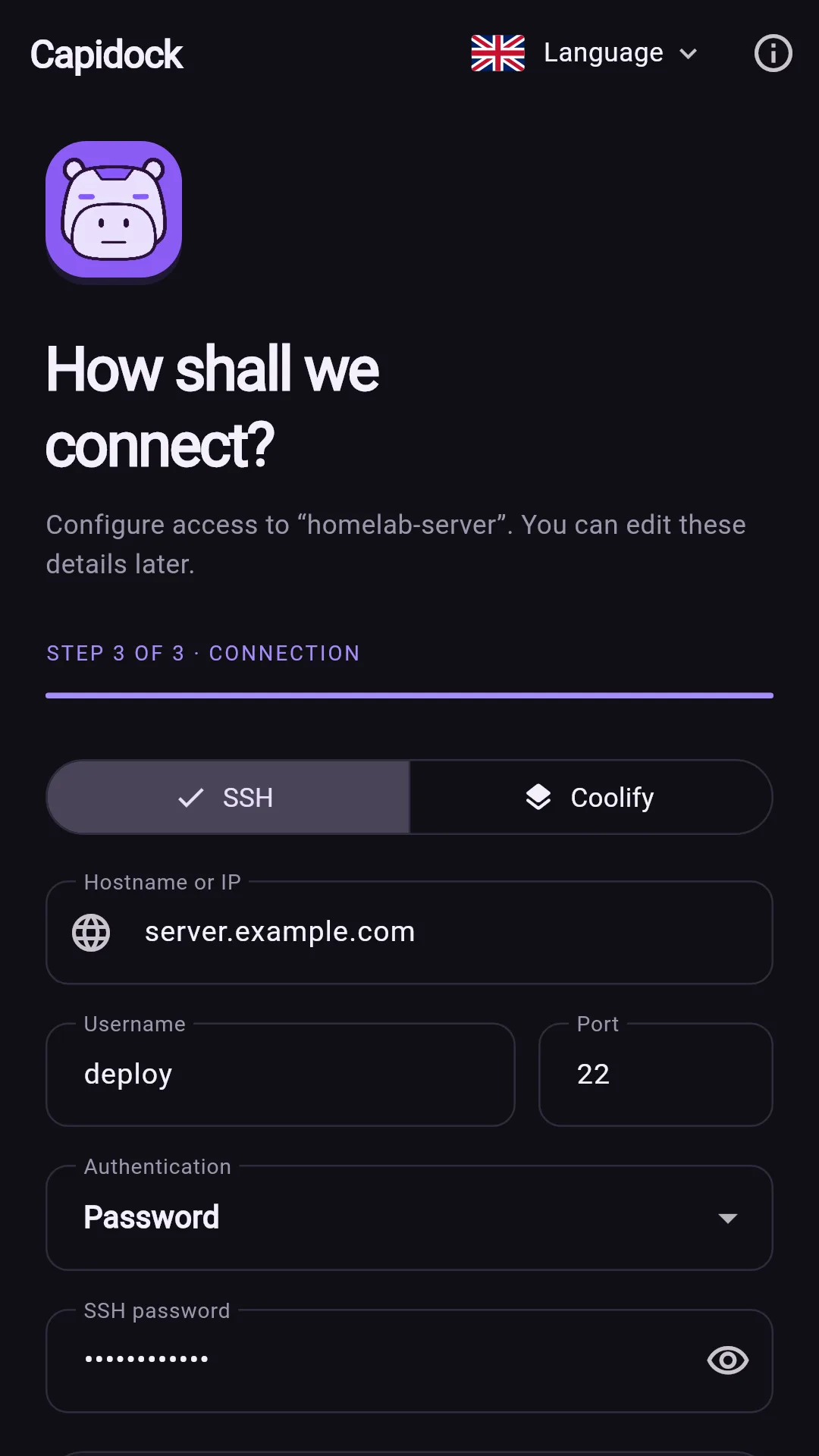
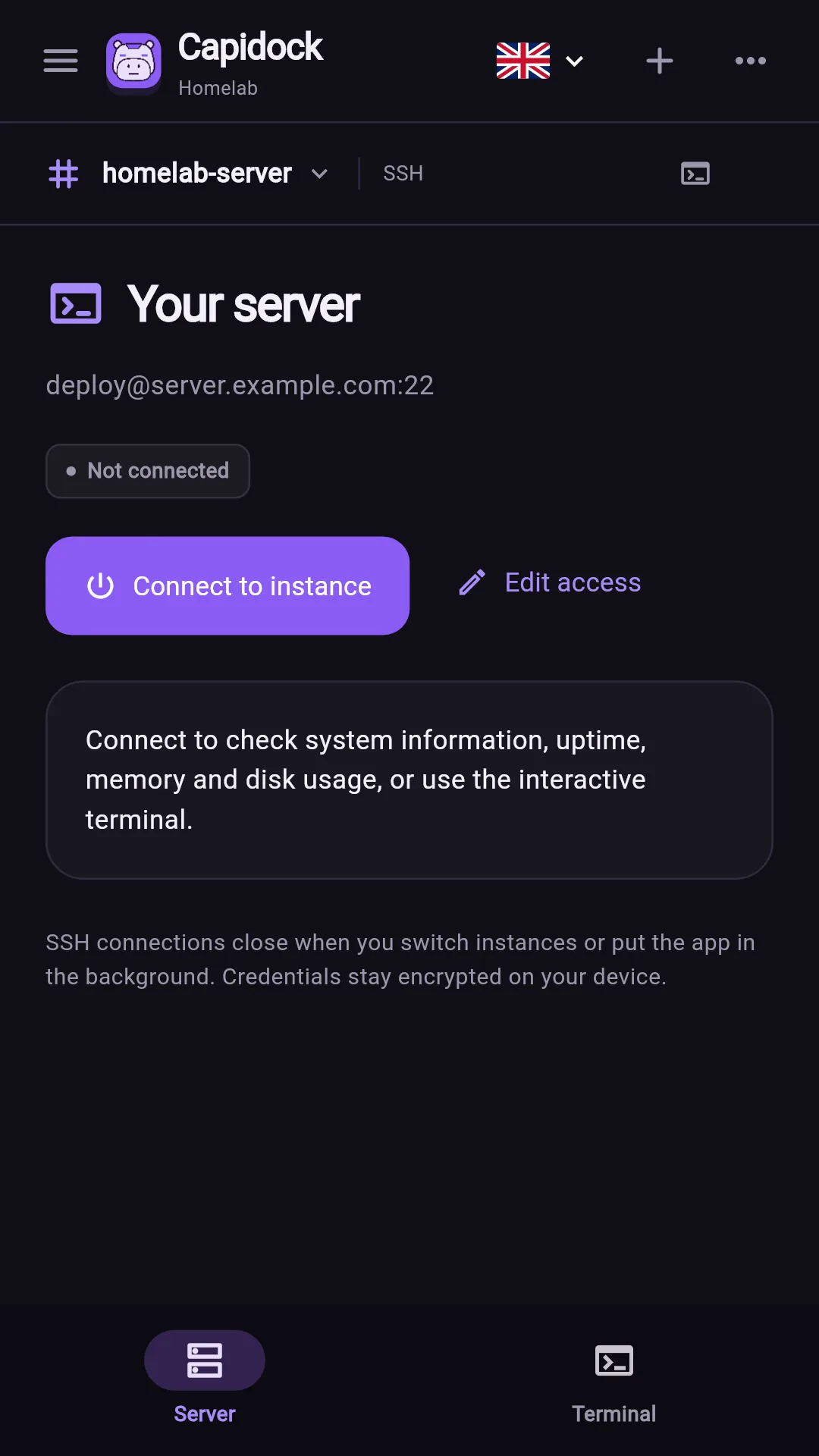
Connect with a password or a private key, including compatible encrypted keys. The interactive terminal includes shortcuts for arrows, Tab, Esc and Ctrl combinations. On compatible Linux/POSIX servers, check system information, uptime, memory and disk usage.
On the first connection, confirm the server host-key fingerprint. Later connections verify the saved fingerprint. SSH sessions close when you switch instances or put the app in the background.
Your Coolify resources, in one place
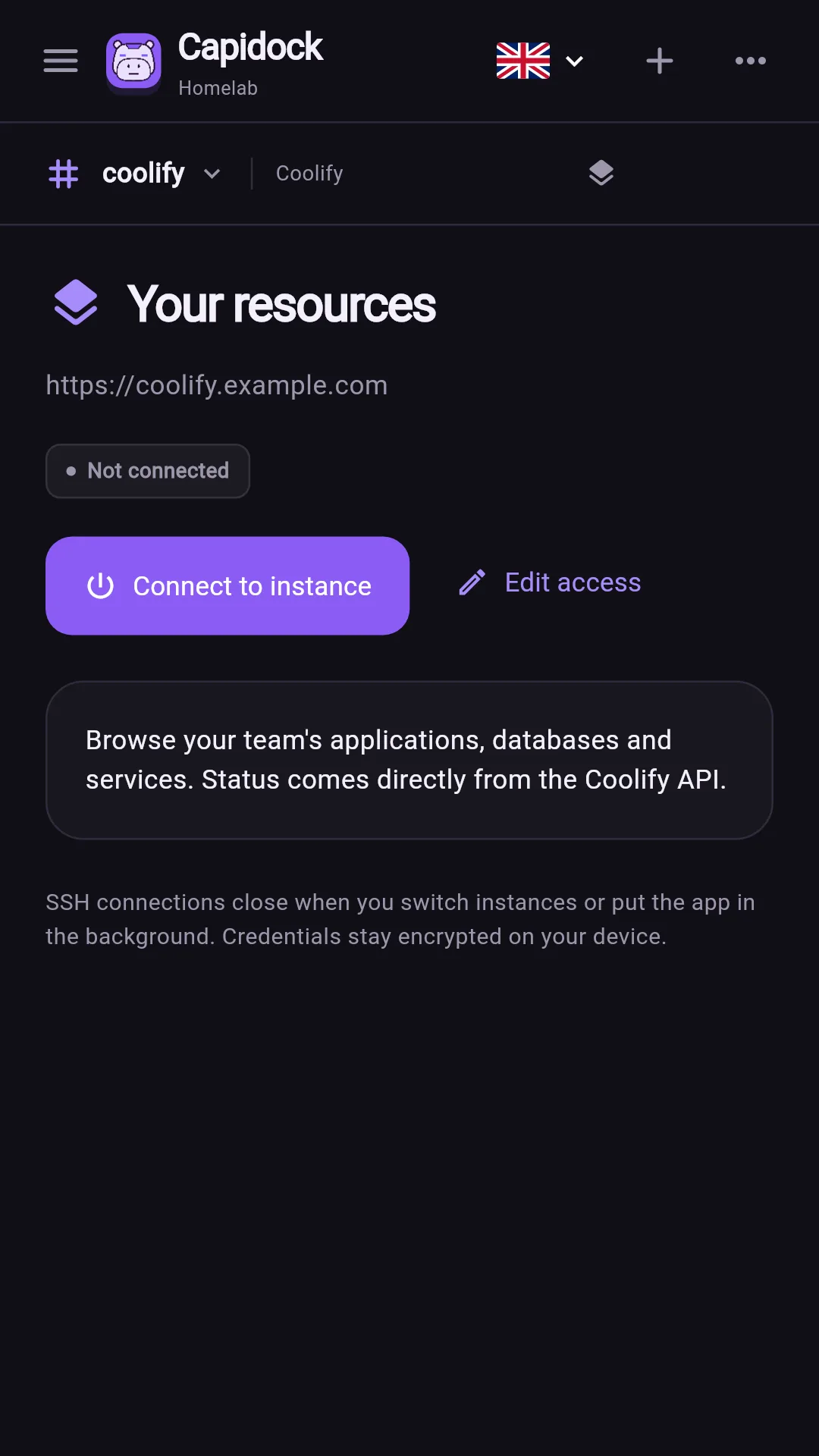
Connect to your own Coolify installation over HTTPS with an API token. Browse the names and statuses of applications, databases and services returned by the API.
The Coolify integration currently provides resource viewing only. Deploy, restart and stop actions are not available through this integration.
Local configuration, direct connections
Workspace settings and credentials are encrypted on your device. You do not need a Capidock account. Connections go directly to the servers you configure; Capidock has no backend, telemetry or cloud synchronisation.
SSH and Coolify access still require a network connection and a reachable server. Local configuration does not make a remote server available offline.
Organised from the first connection
Guided setup helps you create your first workspace and connection. Add, edit, search and move instances between workspaces as your projects change.
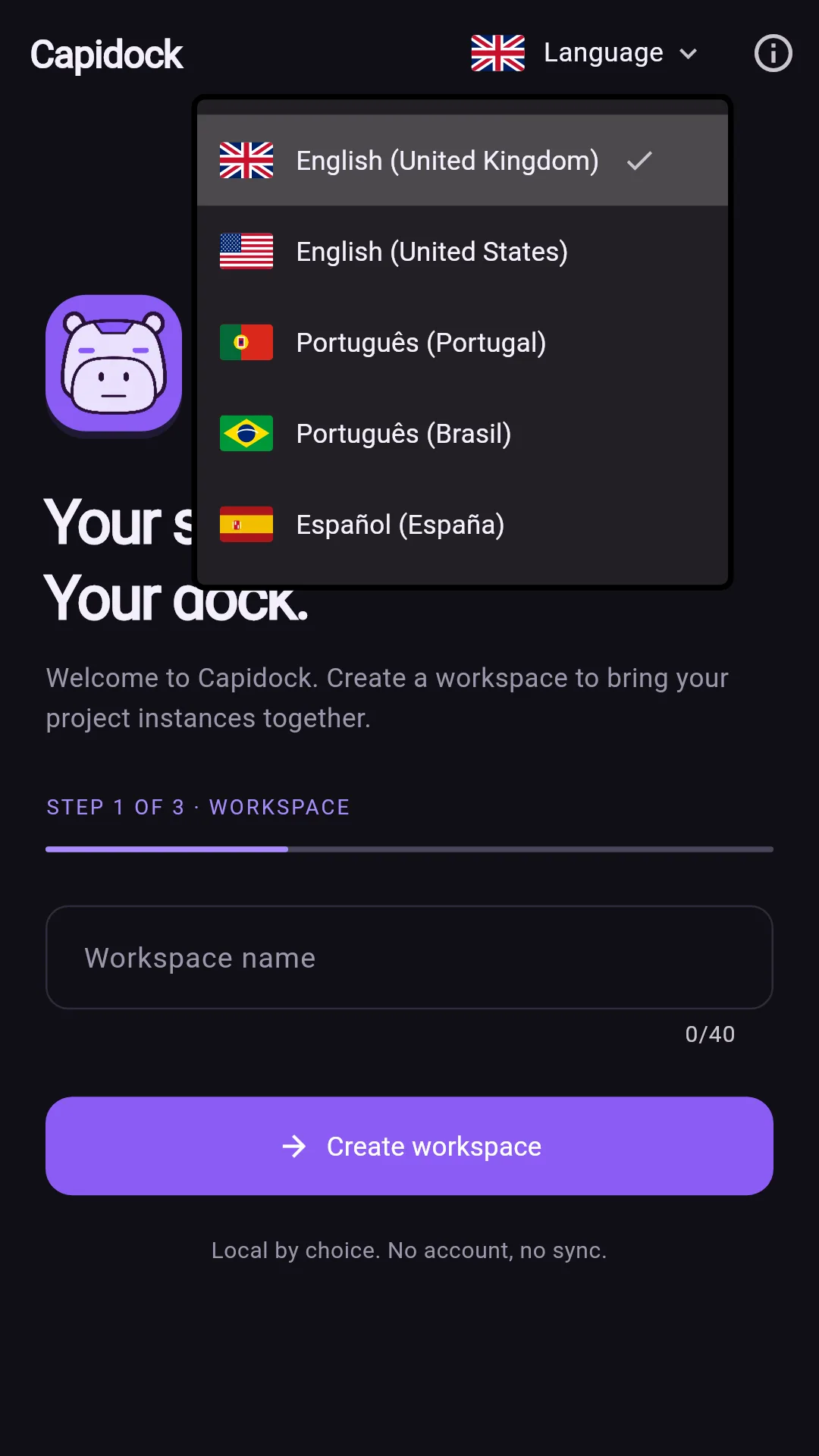
Choose English (UK or US), Portuguese (Portugal or Brazil), or Spanish (Spain). Change the language on the welcome screen or in a workspace; the app remembers your choice.
Open source, with a capybara at the controls
Capidock is an open-source project from Zephyrus Prosperity. Its purple interface and robotic capybara give server management a distinctive home, while the app keeps the focus on your connections and commands.
For Android, use the Google Play button on this page to check availability, device compatibility and installation options. For questions about the project or access to the source code, use the Zephyrus contact button.