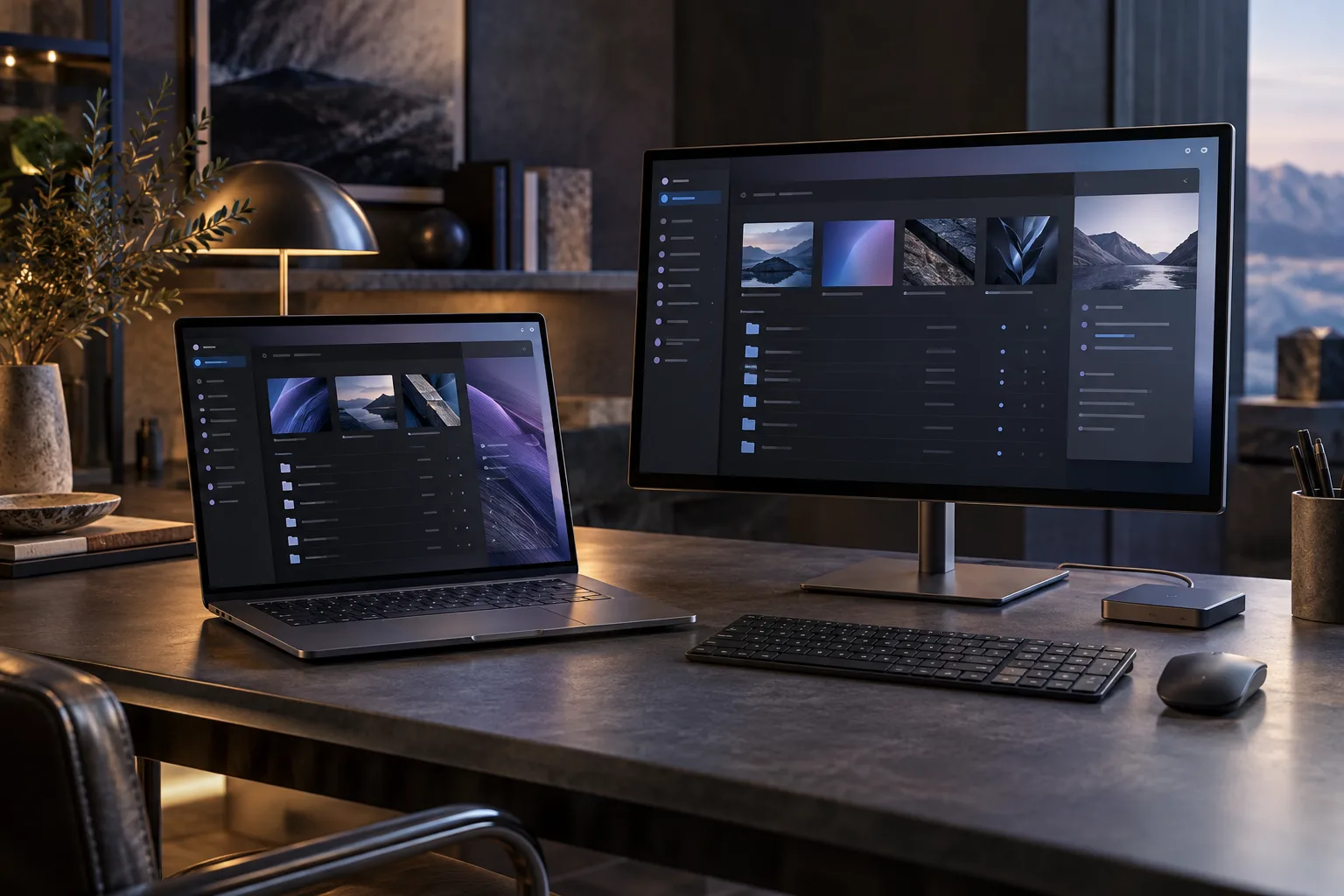
Some workflows need more than a browser tab. They rely on local files, operating-system features or a workspace that remains useful without a constant connection. We develop Tauri desktop applications around those requirements.
Choose desktop for a clear reason
We first establish what the application needs from the device and which operating systems matter. Tauri combines a web-based interface with application logic and system integration. Its use of the system webview makes cross-platform testing an important part of the work.
Local integration with defined boundaries
The scope can include reading and exporting files, local databases, background tasks, notifications or communication with existing services. Permissions and the boundary between the interface and native capabilities are designed explicitly. Sensitive operations should expose only the access the feature requires.
Think beyond the executable
A usable desktop product also needs an installation and update strategy. We plan packaging, signing requirements, configuration, recovery from errors and data migration when relevant. Supported operating-system versions and distribution channels are agreed before delivery.
Define the first useful version
Bring the workflow, a description of the files or systems involved and the platforms your users have. We turn that into a bounded implementation plan with reviewable milestones. Delivery documentation, access to source code, third-party licences and maintenance are specified in the proposal.